
Mario Artist: Paint Studio
Overview
Mario Artist: Paint Studio is the launch title for the Mario Artist series — an ambitious creative suite for Nintendo's ill-fated 64DD peripheral. It is the spiritual successor to the SNES classic Mario Paint, and just like that earlier title, it shipped with a mouse: Paint Studio came bundled with the Nintendo 64 Mouse, sold separately for the rest of the Mario Artist line.
The game blends a traditional 2D paint program (with all of Mario Paint's tools plus new stamps, shapes, and a 4-player collaborative drawing mode), a flipbook animation creator (Parapara Manga), and an experimental 3D World mode that lets players explore three small interactive worlds and photograph their inhabitants — essentially a Pokémon Snap-style mode hidden inside an art program.
It is one of only two 64DD games to use the Transfer Pak (the other being its sibling Mario Artist: Talent Studio), allowing the player to pull images from a Game Boy Camera cartridge straight into the canvas. Hidden support also exists for the unreleased 64GB Cable and Game Boy Printer Color peripherals.
Controls
In the editors (2D Paint & Parapara Manga)
| Action | Input |
|---|---|
| Move cursor / stretch stamp (while holding B / Right Mouse) | Control Stick / 64DD Mouse |
| Select buttons and tools / change border / zoom in | A Button / 64DD Left Mouse Button |
| Zoom out / back | B Button / 64DD Right Mouse Button |
| Move cursor to exit button | START Button |
| Undo | R Button |
| Move the screen | C Buttons |
| Act as A Button | Z Button |
In 3D World
| Action | Input |
|---|---|
| Move | Control Stick |
| Run / swim (in Kaitei World) / take picture (in photo mode) | A Button |
| Exit | B Button |
| Enter photo mode / take picture (in photo mode) | R Button |
| Move camera | C Buttons |
| Act as A Button | Z Button |
Modes
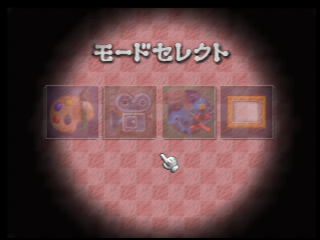
Paint Studio is structured around four distinct modes, all accessible from the main menu:
- 2D Paint (2Dペイント) — traditional drawing canvas with shapes, text, stamps, and a unique 4-player collaborative mode.
- Parapara Manga (パラパラまんが, “Flipbook”) — multi-frame animation editor up to 35 frames.
- 3D World (3Dワールド) — explore three worlds, photograph creatures, edit their textures.
- Gallery (ギャラリー) — slideshow of saved 2D Paint and 3D World creations.
2D Paint
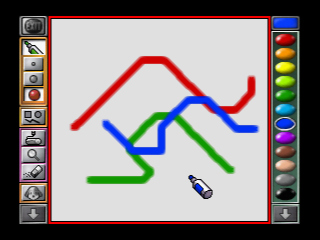
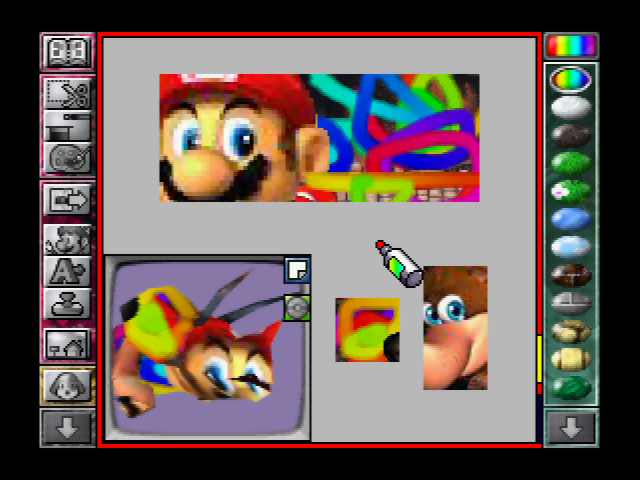
2D Paint is Paint Studio's direct equivalent to Mario Paint's main art mode — the heart of the program. It carries forward every tool from the SNES original (brushes, shapes, text, fills) and adds new stamps, new backgrounds, and a feature that Mario Paint never had: collaborative multiplayer drawing, where up to four players can paint on the same canvas simultaneously using any mix of controllers and mice.
The mode also supports image import from external sources via the Capture Cassette (RCA video input) or the Game Boy Camera through the Transfer Pak — a feat unprecedented for a Nintendo console at the time.
Stamp Library
The new stock Nintendo-themed stamps are an embarrassment of riches. Paint Studio shipped with artwork from across Nintendo's late-90s output, including:
Pokémon
Nintendo 64 Era
F-Zero X (Hidden)
Images drawn in 2D Paint can be exported into Mario Artist: Talent Studio as talent textures or movie backgrounds — the Mario Artist suite was designed to feed assets into itself.
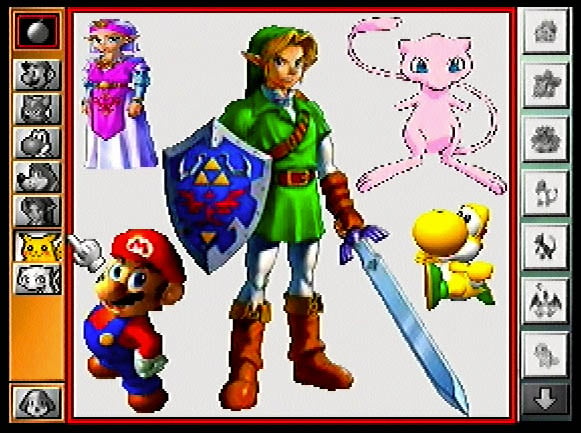
Character Stamp (Promo)
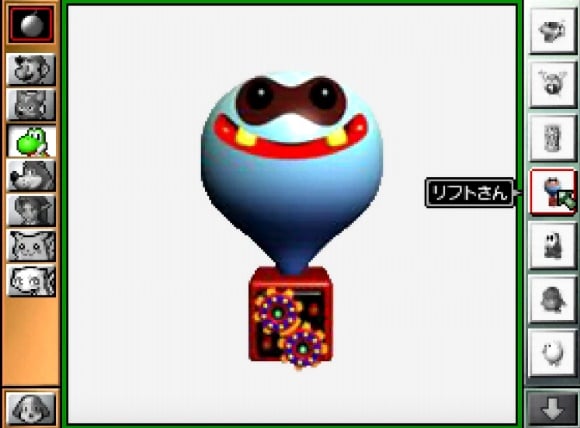
Character Stamp In Use
Parapara Manga (Flipbook)
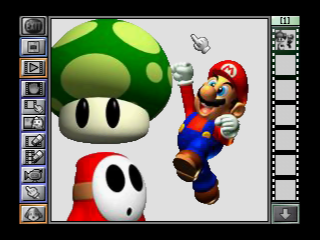
Parapara Manga (“Flipbook”) is Paint Studio's animation studio — the spiritual successor to Mario Paint's Animation Land. Players can string together multiple frames to create flipbook-style animations, with a hard cap of 35 frames per animation.
Animations and 2D Paint creations are stored separately, but the two modes share an import pipeline: any frame can pull from a Capture Cassette video feed, a Game Boy Camera image, or a previously saved 2D Paint creation.
Hidden trick: Save a two-frame animation as «シム» (Shimu, “Sim”) and that animation can be imported into SimCity 64 as a custom citizen walking around the city. Paint Studio is therefore the only way to put hand-drawn pedestrians into SimCity 64.
3D World
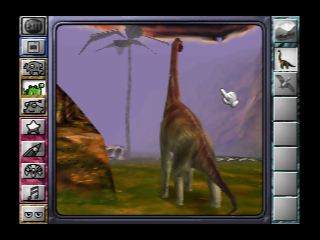
3D World is Paint Studio's most experimental mode, and the one that betrays the game's longer development history. Players can view and explore three small interactive worlds, each with its own set of resident creatures.
From fixed camera angles the player can simply watch the worlds tick along, or hop into the viewpoint of any unlocked creature. Choosing the «たんけんする» (Tankensuru, “Explore”) option turns the mode into a free-roam camera game: the player walks through the environment and photographs the inhabitants, very much like Pokémon Snap. Each new creature photographed is unlocked for viewing in the menu — and its texture becomes editable.
The texture editor is the secret weapon. Paint a custom skin on a Triceratops, then watch it lumber around with your handiwork wrapped on its model. It is a clever loop: photograph → unlock → paint → observe.
3D World Creatures
Twenty creatures populate the three worlds, but only six are unlocked by default (marked below). The other fourteen must be photographed in Tankensuru mode to be added to the viewable menu and texture editor.
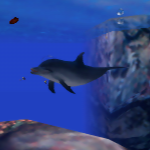
イルカ
Dolphin
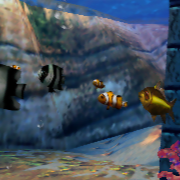
こざかな1
Small Fish 1
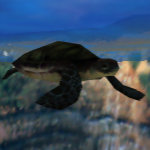
カメ
Turtle
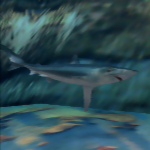
サメ
Shark
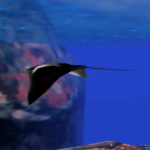
マンタ
Manta Ray
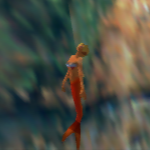
にんぎょ
Mermaid
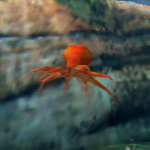
タコ
Octopus
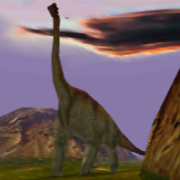
ブラキオサウルス
Brachiosaurus
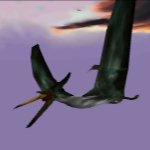
プテラノドン
Pteranodon
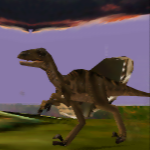
ラプトル
Raptor
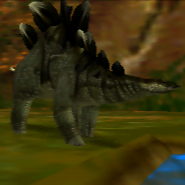
ステゴサウルス
Stegosaurus
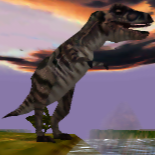
Tレックス
T. rex
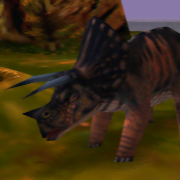
トリケラトプス
Triceratops
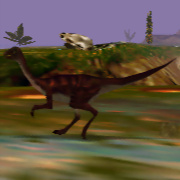
ガリミマス
Gallimimus
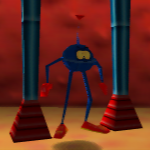
スノーキー
Sunōkī
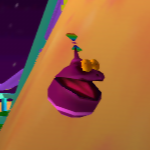
ララ
Rara
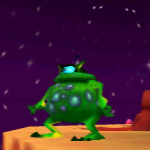
ガブール
Gabūru
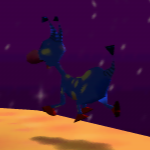
フィルバート
Firubāto
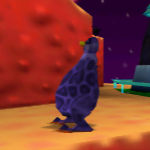
ジャック
Jakku
コロン
Koron
リンダ
Rinda
Gallery Mode
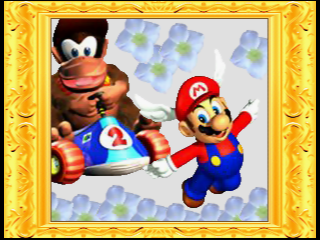
Gallery is a simple slideshow viewer. The player's saved 2D Paint creations and 3D World snapshots play through automatically, returning to the main menu when the slideshow ends or any button is pressed.
Only images saved in the first five containers are picked up by the slideshow — later slots are invisible to Gallery mode, presumably to keep slideshow length manageable.
Development
Paint Studio is unusual for a first-party Nintendo title in that the bulk of its development was handled by a British third-party studio. Software Creations (Manchester, England — later renamed Acclaim Studios Manchester) had built up a stable working relationship with Nintendo over the early 1990s and had previously assisted with Nintendo 64 hardware development.
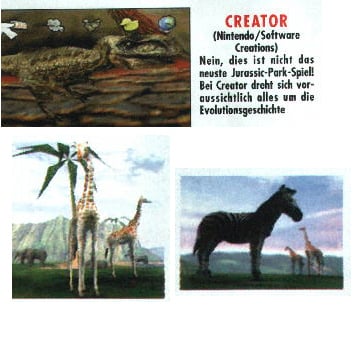
In 1995, Nintendo commissioned Software Creations to build a 3D sequel to Mario Paint. The project was originally pitched as “Creator” — a 3D “living playground” where the player tweaks attributes of pre-made models like dinosaurs (size, aggression, behaviour, speed, texture). Traces of this concept survive into the final game's 3D World mode.
The shifting working title:
«Creator» → Mario Paint 64 → Picture Maker (Space World 1997, November) → Mario Artist & Camera → Mario Artist: Paint Studio (1999)
In the final stages of development, Nintendo's Japanese departments took full control, rejecting many of Software Creations' and Nintendo of America's ideas before shipping the game on 1 December 1999. The 64DD's commercial failure in Japan meant the title was never released outside the country — Software Creations' years of work were locked behind a regional barrier and a peripheral barely anybody owned.
The Mario 64 face came from here.
On MAR10 Day 2023, Nintendo of America shared on Twitter that the iconic Mario face used in the title screen of Super Mario 64 was originally pulled from the prototype of what became Paint Studio. Miyamoto referred to that prototype as Mario Paint 3D in 1996 developer interviews. In other words: the most famous face on the N64 was a Paint Studio asset first.
Both Paint Studio and Mario Artist: Communication Kit contain complete, hidden code paths to support the unreleased 64GB Cable peripheral, the Game Boy Printer, and the unreleased Game Boy Printer Color. Neither piece of hardware ever shipped, but the menus and image-transfer logic are fully implemented inside the disk.
Prototype “Gnat Attack”
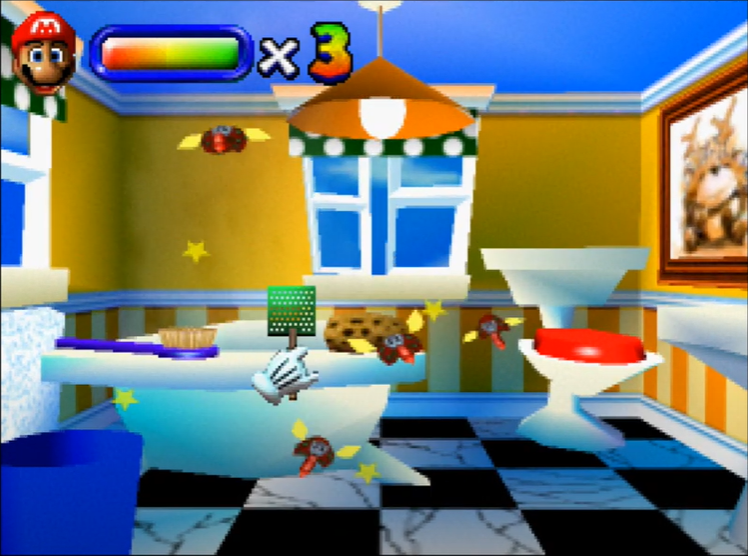
In June 2020, a prototype build of Paint Studio was recovered and preserved by the gaming community. The build contained an unannounced minigame: a 3D successor to Mario Paint's Gnat Attack fly-swatter, completely removed from the final retail product.
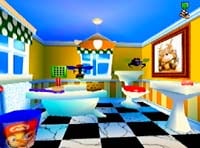
Like the original, this Gnat Attack consists of three levels and a boss level that loops endlessly — but it has been recontextualised to take place inside a house: the levels are set in a bathroom, bedroom, kitchen, and living room respectively. The flies themselves have a different design from the SNES original.
The minigame was almost certainly one of Software Creations' contributions that Nintendo of Japan stripped in late development. Sources: Hard4Games preservation video and LuigiBlood Gnat Attack showcase.
Gallery
Cover & Packaging
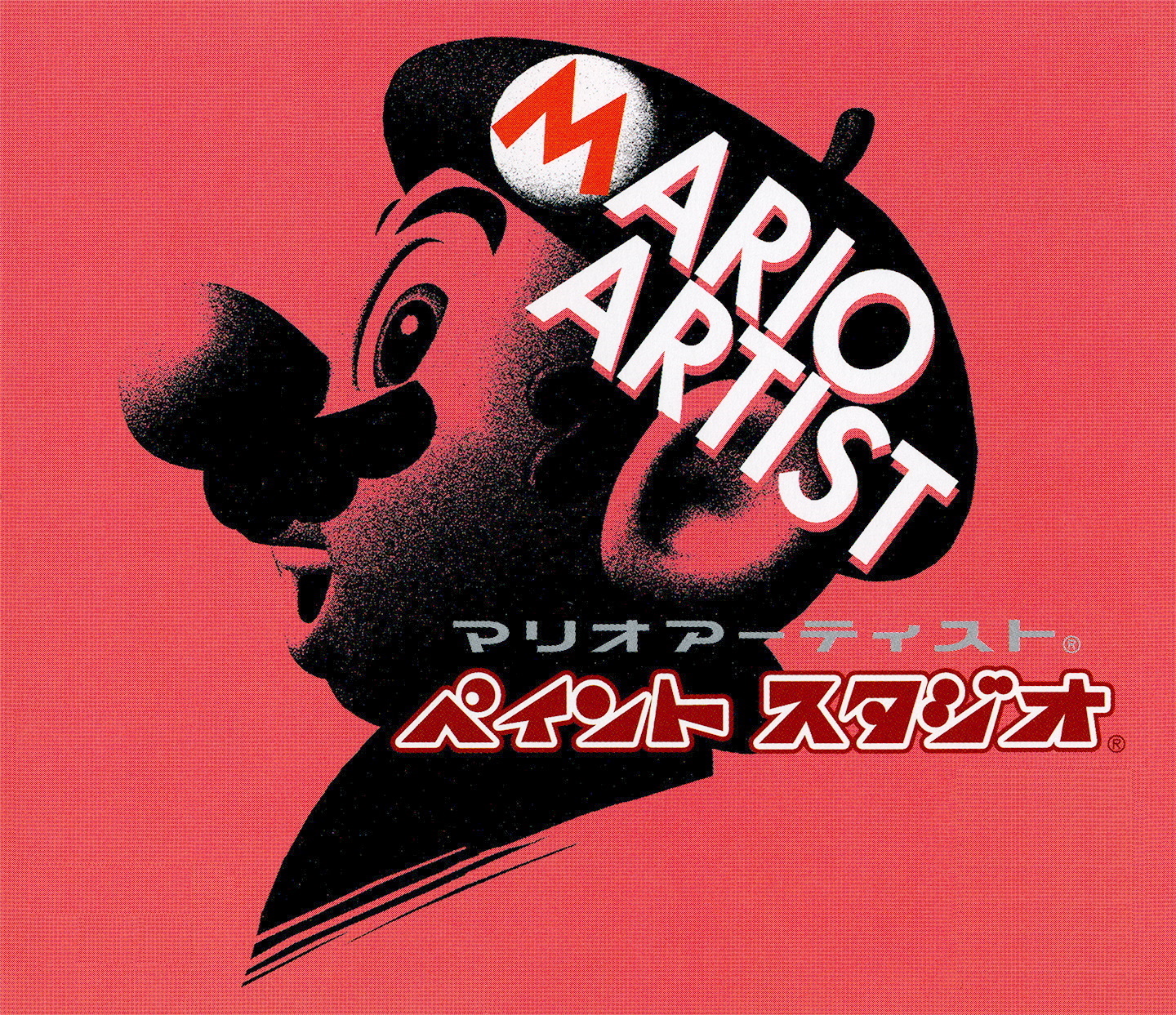
Alternate Cover
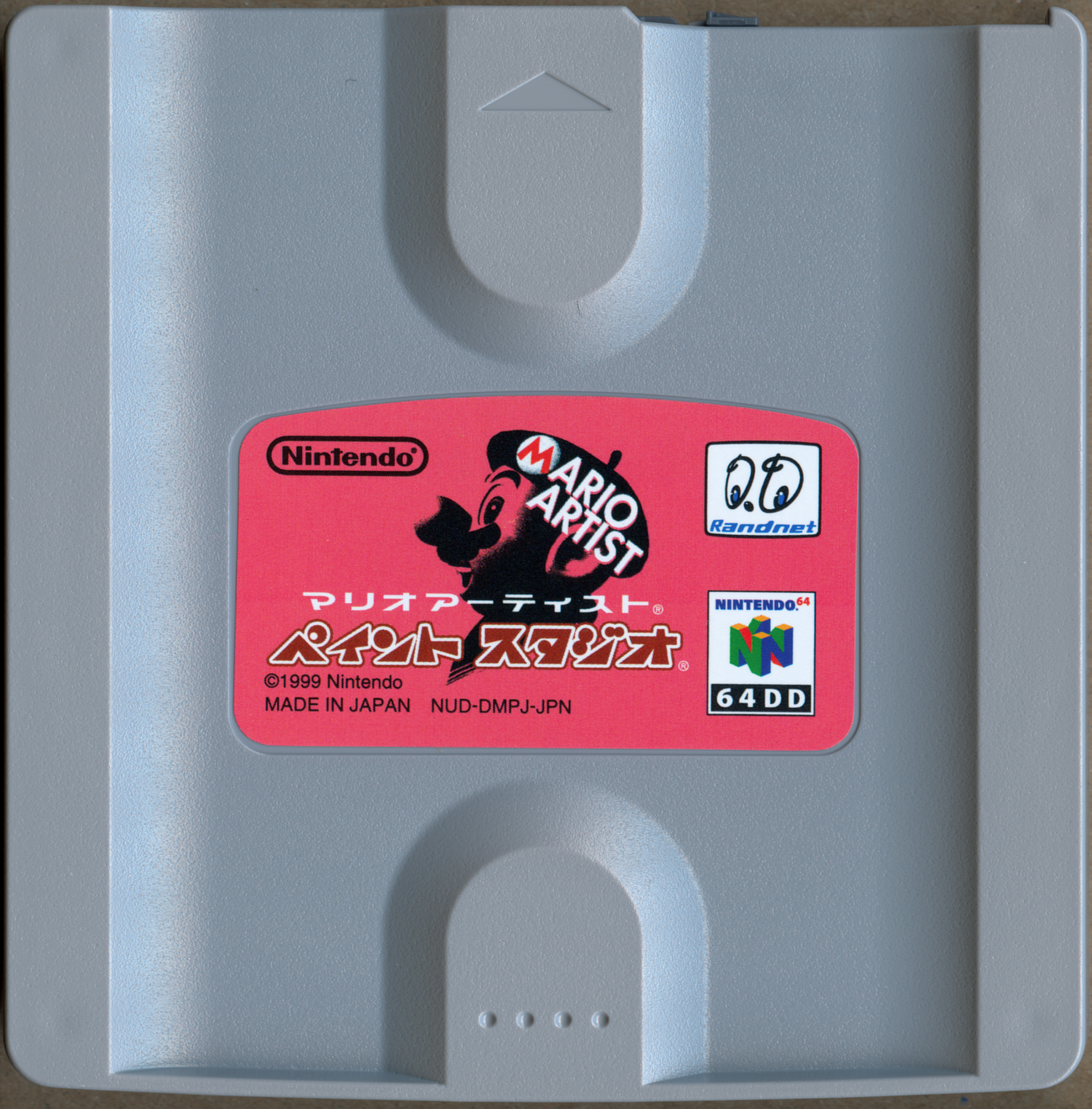
Game Drive (Disk)
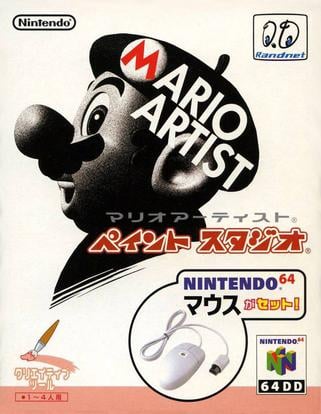
N64 Mouse Bundle
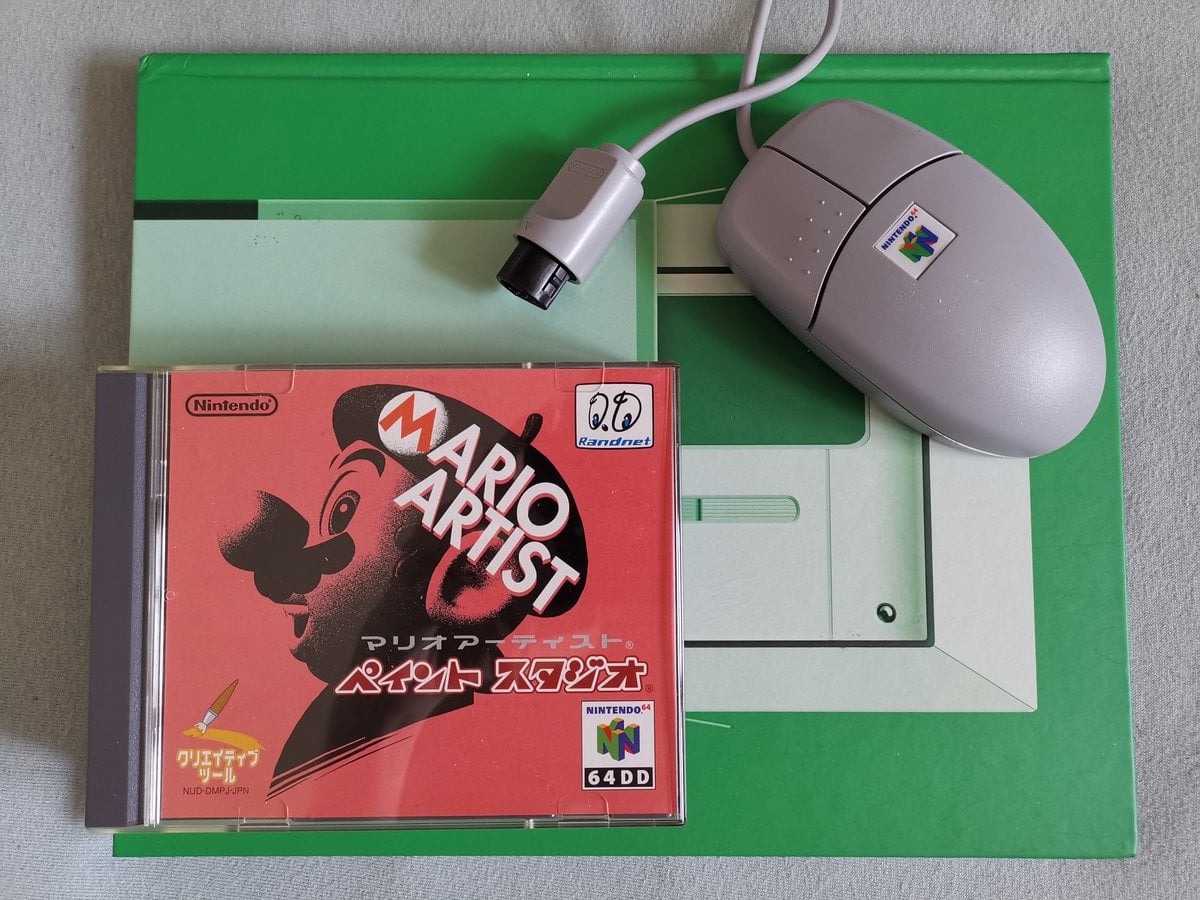
Jewel Case + Mouse
Artwork & Sprites
Mario
Wing Mario

Undodog

Reset Rocket

Save Container
Screenshots
Title Screen
Logo
Texture Edit
Transfer Pak Workflow
Paint Studio is one of only two 64DD games (alongside Mario Artist: Talent Studio) to use the Transfer Pak — the accessory that slots into the N64 Controller's memory pak port and allows reading data from Game Boy cartridges. The killer app here is the Game Boy Camera: take a photo with the camera cartridge, plug it into the Transfer Pak, and import that photo straight into Paint Studio for editing.
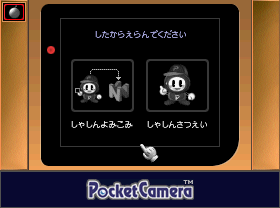
Step 1
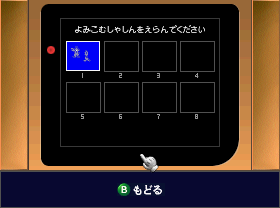
Step 2
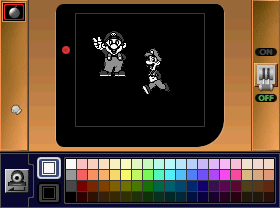
Step 3
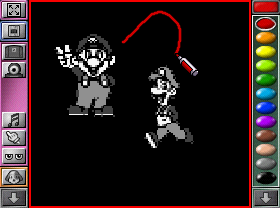
Step 4
Step 5
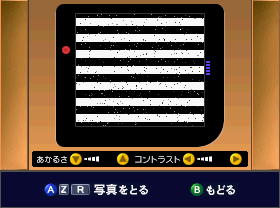
Step 5 note: when the Game Boy Camera is connected via Transfer Pak but no cartridge is loaded, the camera passes through a broken video feed. The screenshot shows the broken state, which is technically a bug exposed during testing.
Pre-release Screenshots
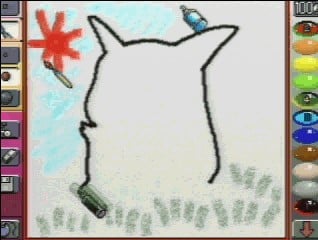
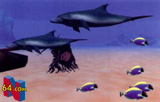
A run of pre-release screenshots survives from the years when Paint Studio was still called Mario Paint 64, Picture Maker, and Mario Artist & Camera. The Pikachu drawing screenshot is one of the earliest known pieces of marketing material for the project.
Drawing Pikachu
Pre-release: Dinosaur
Pre-release: Dinosaur 2
Pre-release MAS3
Pre-release MAS4

Pre-release MAS6
Pre-release Gnat Attack
References to Other Games
Mario Paint (SNES)
- Paint Studio began life as a direct 3D sequel; many assets, ideas, and concepts are carried over and reused.
- The Undo icon is a dog's head — the Undodog from Mario Paint, given a starring role in the UI.
Pokémon Red & Blue
- Artwork of all 151 Generation I Pokémon is included as stamps — a complete Kanto Pokédex inside a Mario game.
Super Mario 64
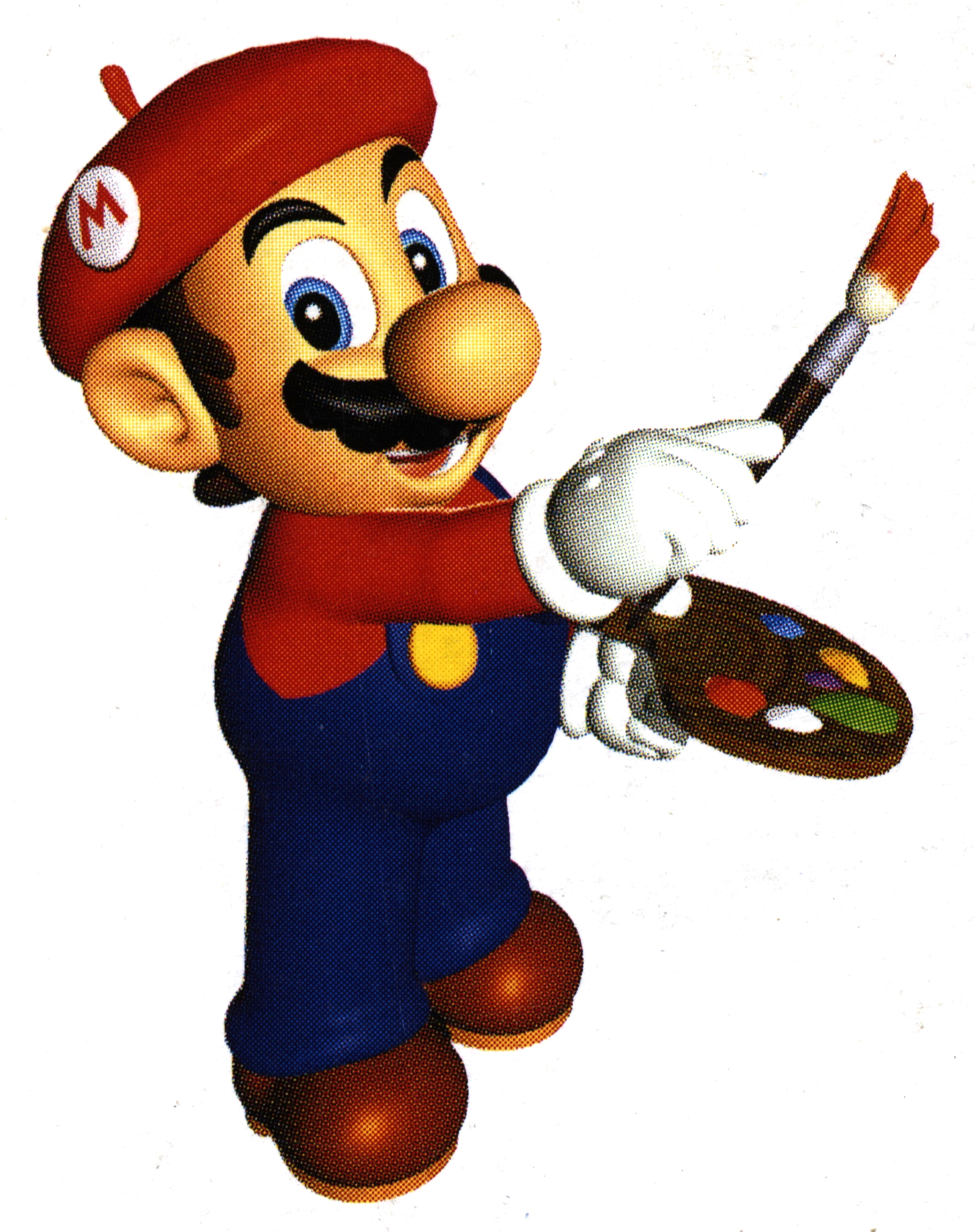
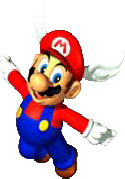
- Several stamps from the game, including unique original artwork of Wing Mario not used anywhere else.
- Conversely, the Mario face on SM64's title screen came from this game's prototype — the influence flowed both ways.
Mario Kart 64
- Various stamps including all playable characters from the roster.
Star Fox 64
- Multiple character and ship stamps available.
Pilotwings 64
- Character artwork available as stamps.
Wave Race 64
- Character artwork available as stamps.
Diddy Kong Racing
- Playable character artwork available as stamps.
Yoshi's Story
- Character artwork available as stamps — cross-pollination across N64 first-party.
Banjo-Kazooie
- Renders from the Rare-developed N64 platformer included as stamps.
F-Zero X
- Swap the Paint Studio disk for the F-Zero X Expansion Kit disk in Save and Load to unlock a hidden “F-ZEROX” container of F-Zero X character backgrounds — a rare instance of cross-disk content on 64DD.
The Legend of Zelda: Ocarina of Time
- Character stamps from Hyrule's definitive 3D adventure.
SimCity 64
- A two-frame Parapara Manga animation saved as «シム» (Sim) can be imported into SimCity 64 as a custom citizen sprite.
Mario Artist: Talent Studio
- Images drawn in 2D Paint can be exported as talent textures or movie backgrounds in Talent Studio — the suite was designed as an asset pipeline.
Trivia
- Paint Studio was the launch title for the Mario Artist series and one of the first 64DD games to ship — a flagship release for a platform that was already commercially struggling.
- Software Creations was a British studio based in Manchester. After Acclaim acquired them, they became Acclaim Studios Manchester; Paint Studio remains one of their most prominent credited works on a Nintendo platform.
- Only two of the four Mario Artist titles (Paint Studio and Talent Studio) use the Transfer Pak. Communication Kit and Polygon Studio do not.
- The N64 Mouse was bundled with Paint Studio but sold separately for the other Mario Artist games — meaning if you bought Paint Studio first, you got the peripheral your siblings would otherwise need to buy on its own.
- The F-Zero X Expansion Kit disk swap is one of the only known examples of cross-disk content on 64DD. Swapping disks in Save and Load reveals a hidden background pack of F-Zero X art.
- The maximum 35-frame Parapara Manga limit is a hard cap — longer animations need to be saved as separate flipbooks.
- The Super Mario 64 title-screen face originated as a prototype asset for this game (then called Mario Paint 3D) and was repurposed in SM64. Source: Nintendo of America's MAR10 Day 2023 Twitter post.
- The discovered Gnat Attack 3D prototype (June 2020) suggests Software Creations had built a full 3D minigame inside Paint Studio, which Nintendo of Japan removed in the final cut — alongside many other ideas from the British team.
- The cancelled 64GB Cable and Game Boy Printer Color peripherals have fully implemented code support inside Paint Studio. The menus, the UI, the image-transfer logic — all there, sitting on disk, never reachable.
- The Tankensuru (“Explore”) photo-camera mechanic in 3D World predates Pokémon Snap's release in North America (June 1999 NA vs. December 1999 Paint Studio JP) but the development overlap is clear — both games came out of Nintendo around the same era using the same core idea of photographing creatures.
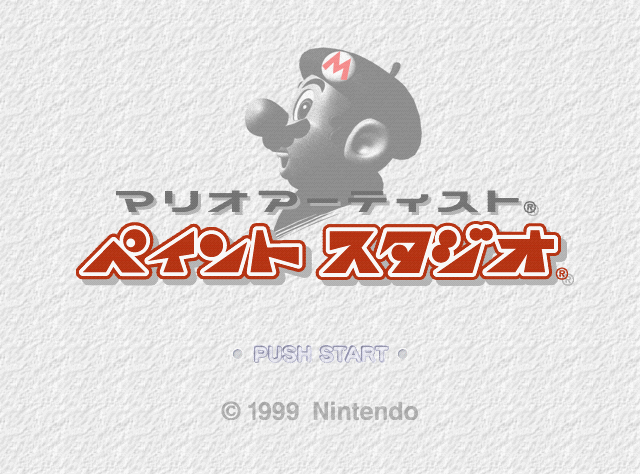
- The Japanese title «マリオアーティスト ペイント スタジオ» (Mario Ātisuto: Peinto Sutajio) is a straight katakana transliteration — consistent across all four Mario Artist titles.
- The 3D World creature names mix straight Japanese terms («イルカ»/Iruka, «カメ»/Kame) for real-world animals with completely invented names (Sunōkī, Rara, Gabūru, Firubāto) for the Mars creatures. The Mars-world names have no clear etymology — they appear to be original Software Creations or Nintendo EAD coinages.
- Paint Studio sold poorly — not because it was bad, but because only an estimated 15,000 64DD units ever shipped. The market was vanishingly small from day one.